








Description
Download Twitterrific – Twitter client, iPhone app, free Twitter app, ad-supported Twitter, social media app, tweet, follow trends, Twitter feed, mobile app
Overview
Twitterrific is a dedicated social media app designed for iPhone users seeking a streamlined and efficient way to interact with Twitter. As a free, ad-supported Twitter client, it offers a focused experience for following personal feeds, discovering trending topics, and engaging with global content. The app is tailored for individuals who prioritize speed, clarity, and ease of use when managing their Twitter presence on mobile devices. It supports multiple accounts, enabling users to switch between personal and professional profiles seamlessly. The interface is optimized for quick access to core functions such as posting tweets, viewing timelines, searching content, and monitoring real-time trends. Its ability to integrate image uploads directly from the iPhone’s camera and to share location data enhances the user’s ability to share context-rich content on the platform. The app also features customizable auto-refresh intervals, allowing users to balance real-time updates with battery efficiency. Although the developer did not provide additional technical details, the app’s performance improvements in the latest version suggest ongoing optimization. For users who value a clean, distraction-free Twitter experience on iOS, Twitterrific presents a compelling alternative to the official Twitter app. It fills a niche in the mobile ecosystem by offering a lightweight yet feature-rich solution for daily Twitter engagement.
Key Features & Functionality
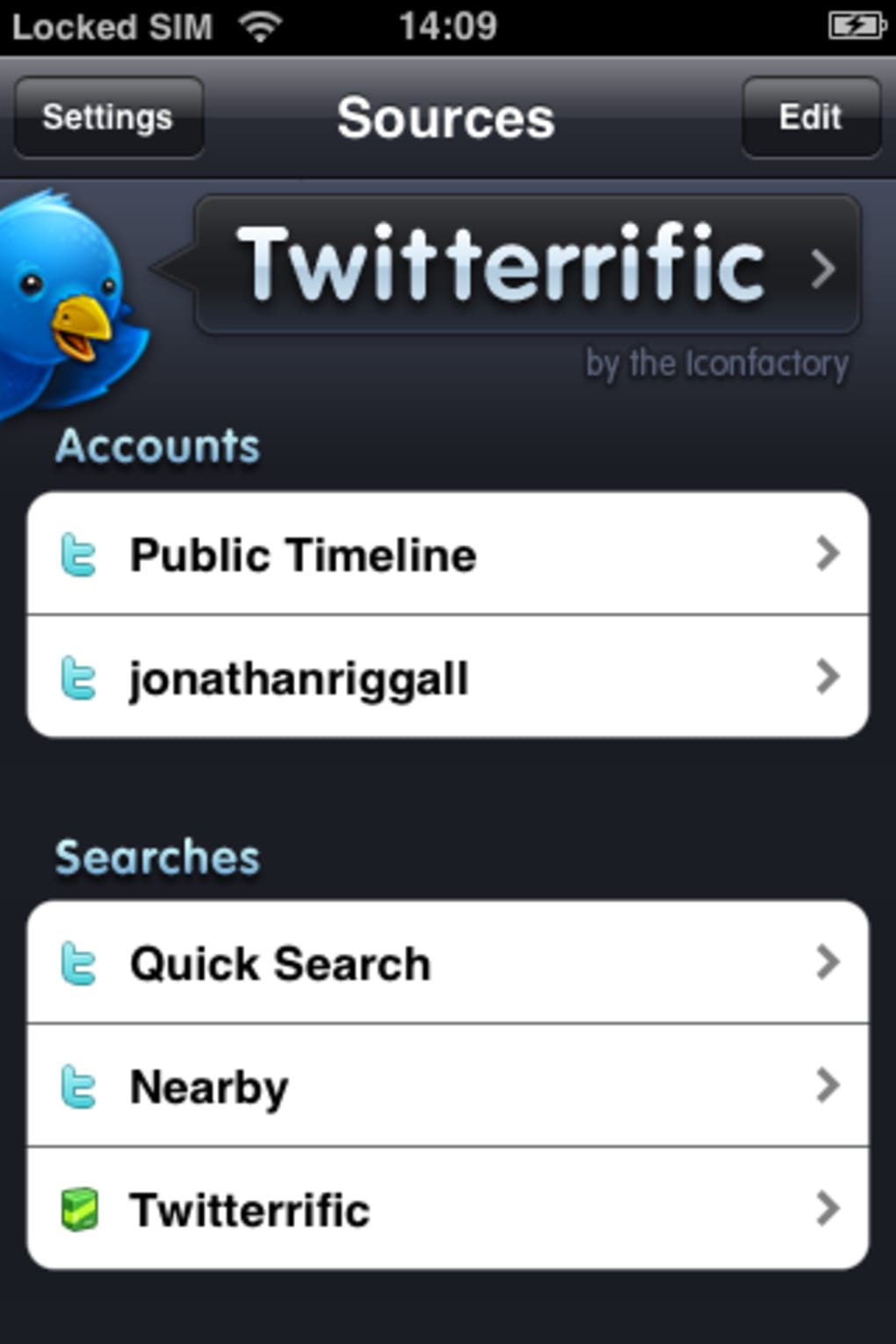
- Multiple Account Support: Users can manage and switch between several Twitter accounts within a single interface, ideal for individuals with personal and professional profiles.
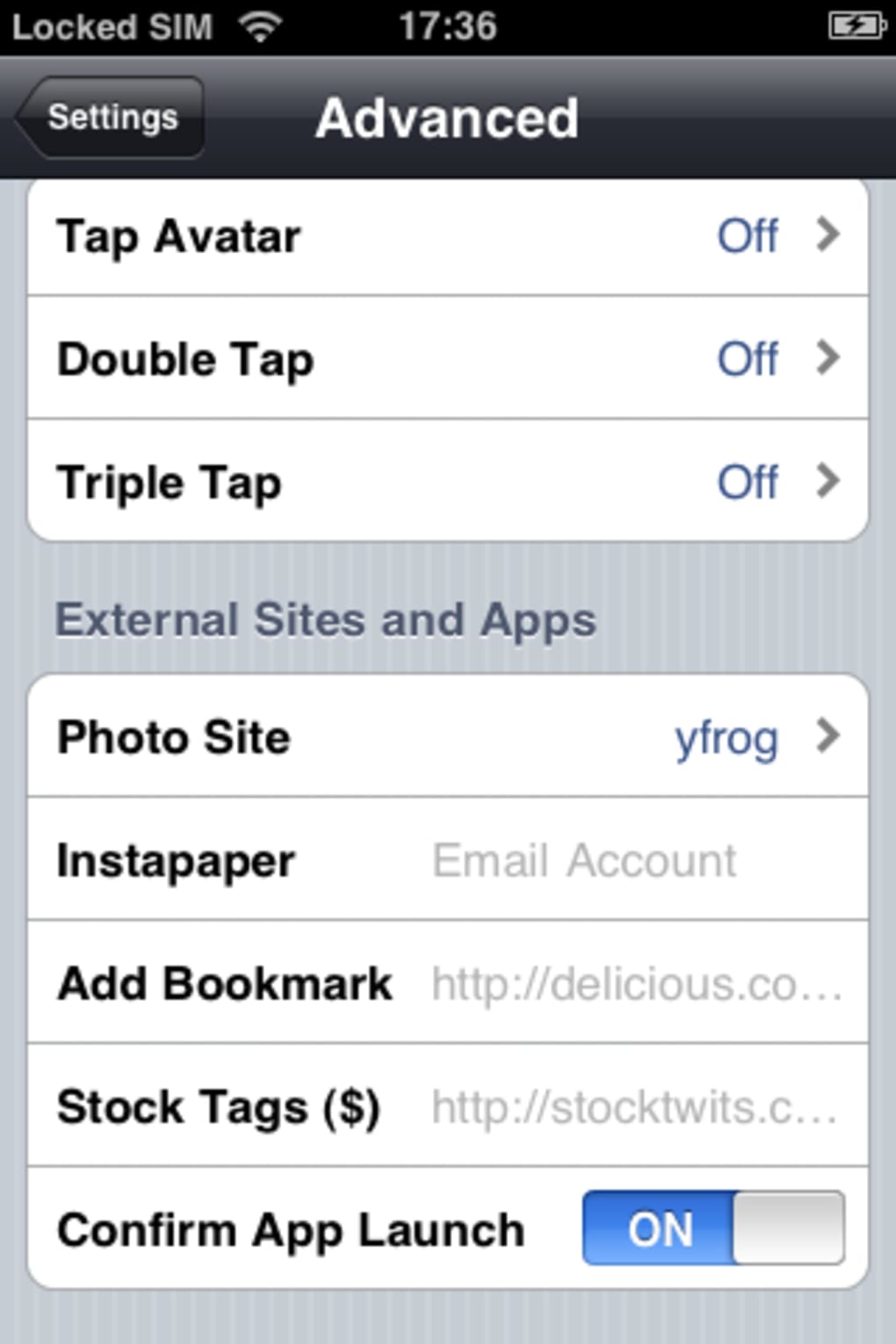
- Auto-Refresh Settings: Customizable refresh intervals allow users to control how frequently their feeds update, balancing real-time content with battery conservation.
- Integrated Media Sharing: Direct integration with the iPhone’s camera enables users to capture and post photos or videos instantly from within the app.
- Location Tagging: Users can attach their current location to tweets, enhancing the context of shared content and improving discoverability.
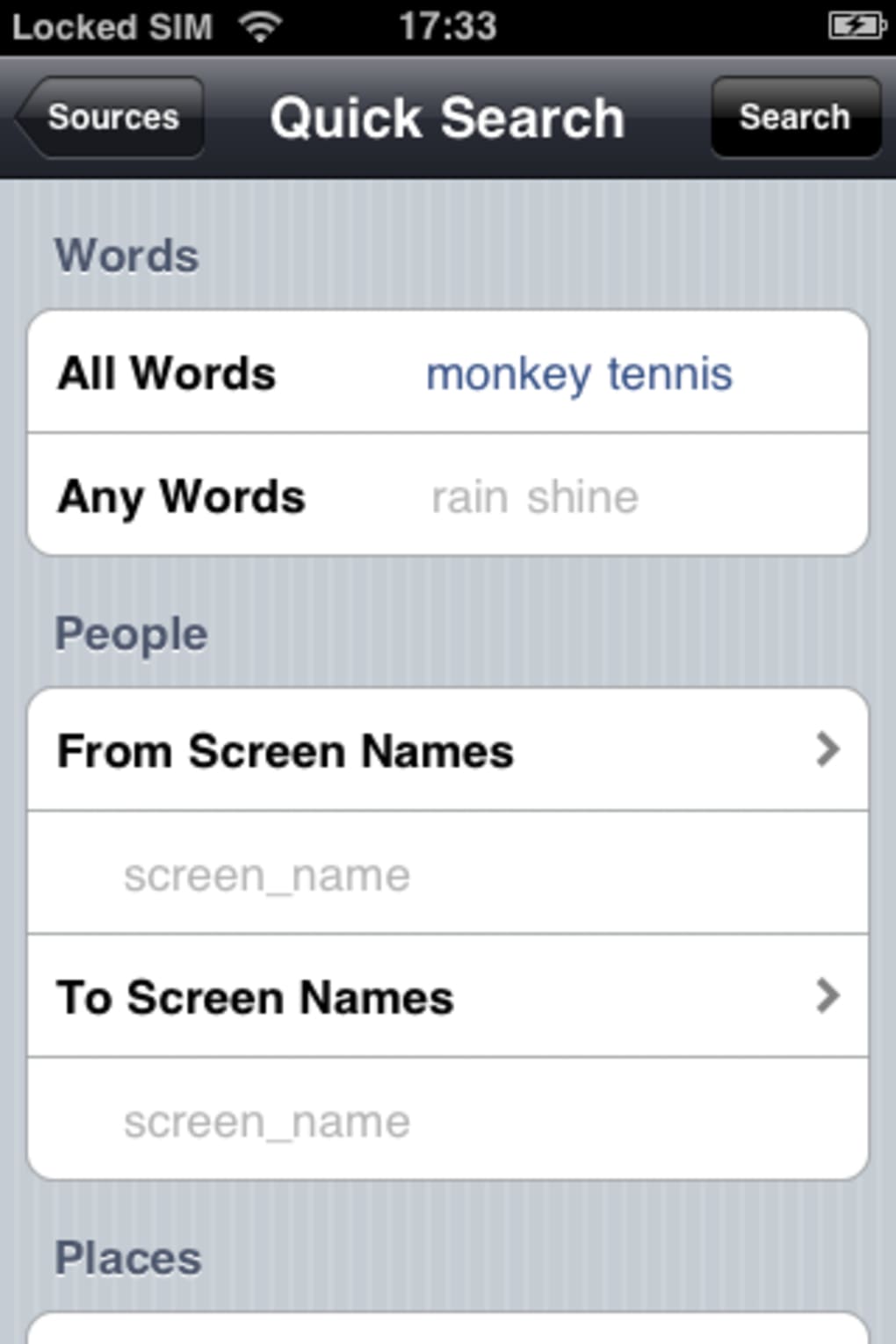
- Global Trends & Search: Access to trending topics and advanced search tools allows users to explore popular conversations and find relevant content across the platform.
- Link Preview Integration: Links within tweets are previewed directly in the app, improving usability and reducing the need to open external browsers.
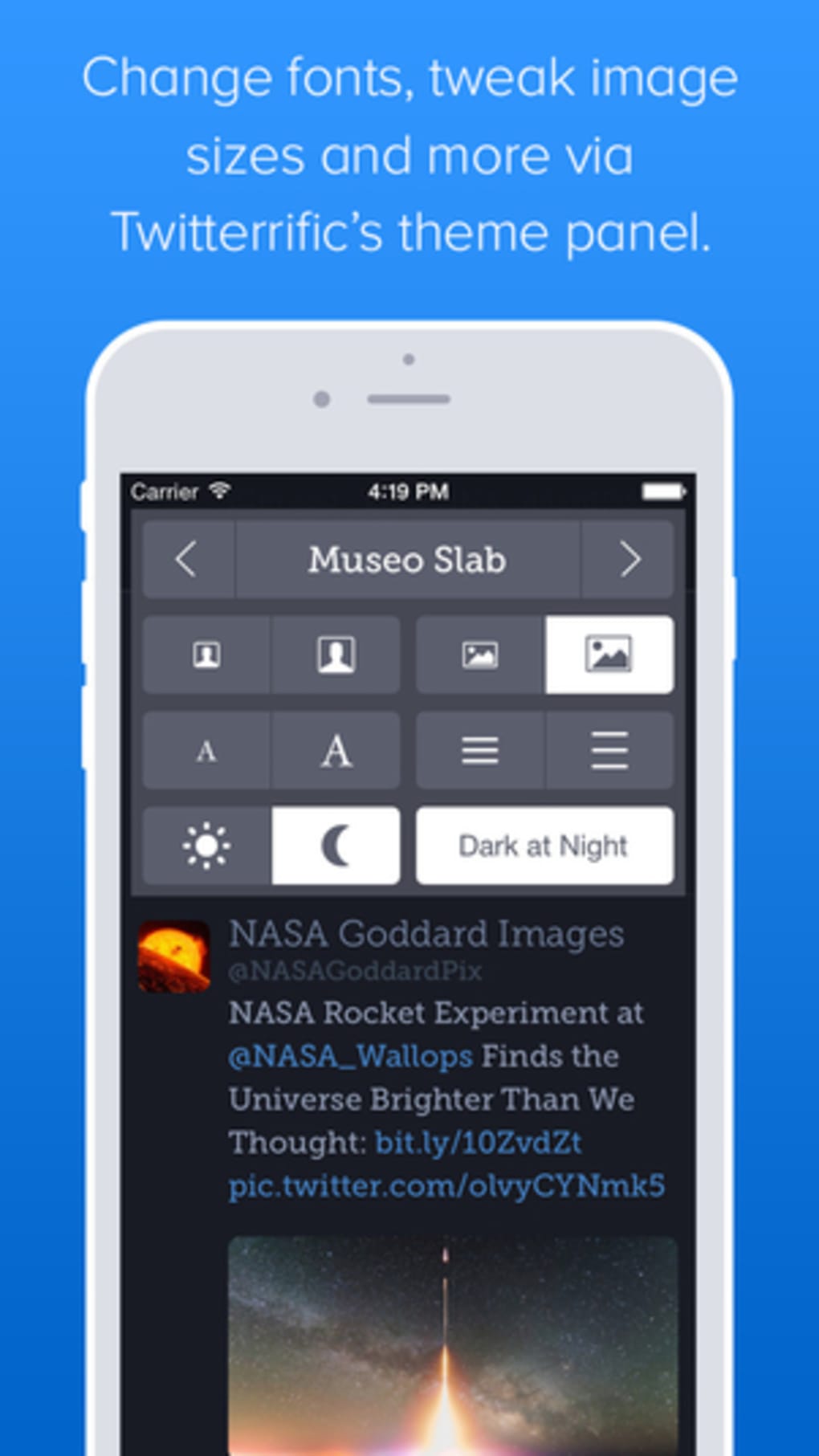
- Customizable Appearance: Users can adjust font sizes and theme settings to suit their visual preferences, enhancing readability and accessibility.
These features collectively serve users who rely on Twitter for both personal expression and professional networking. For example, a content creator can monitor trends, post images, and tag their location in real time, while a business user can manage multiple accounts and schedule updates without switching apps. The integration of link previews helps reduce friction during content consumption, and the customizable refresh settings allow power users to fine-tune their experience. While the app is free, it includes advertisements that are described as non-intrusive, preserving the app’s clean aesthetic. The latest update also includes fixes for timestamp accuracy and API compatibility, ensuring more reliable performance in sync with Twitter’s evolving infrastructure.
Interface, UX & Performance
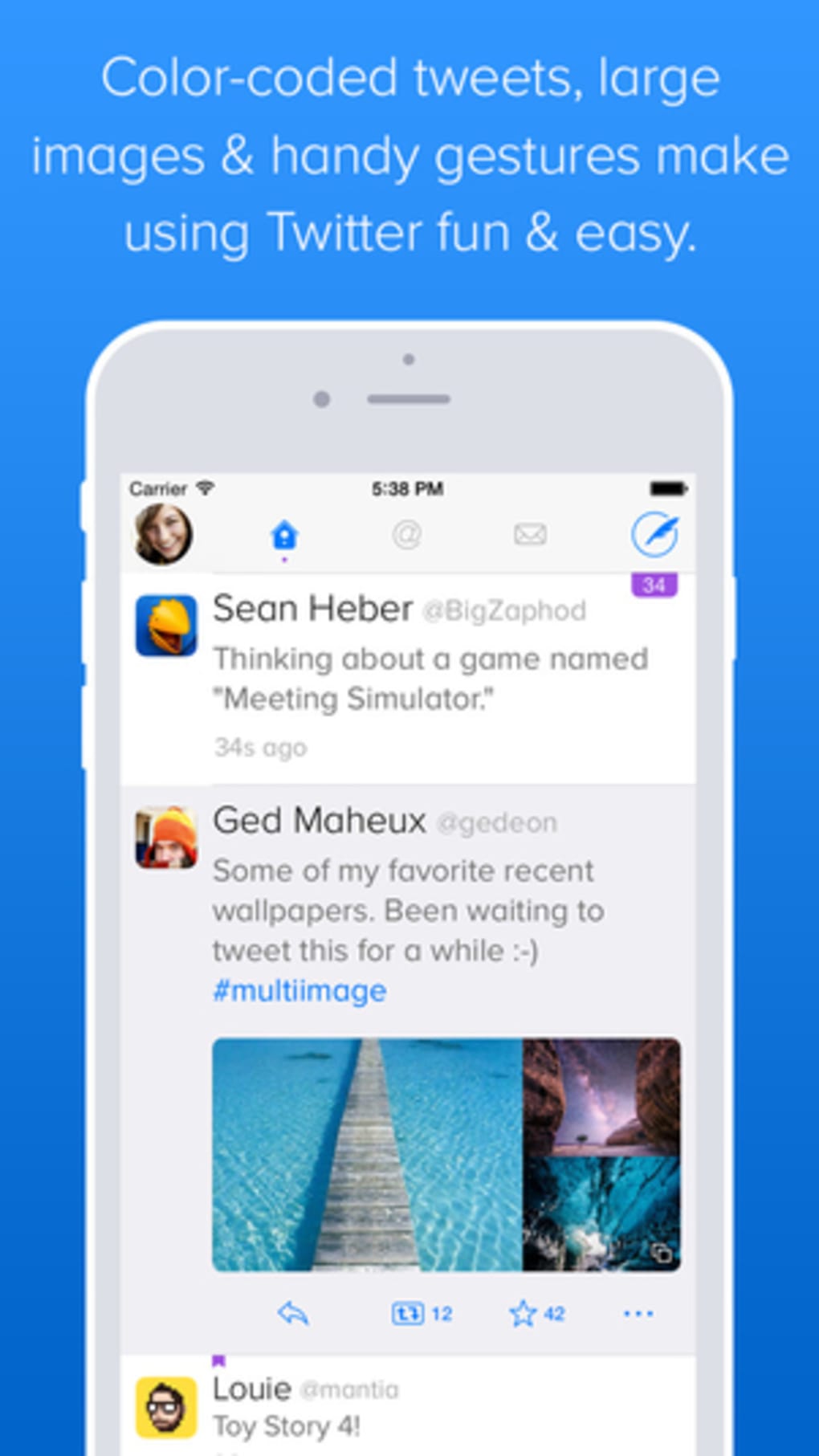
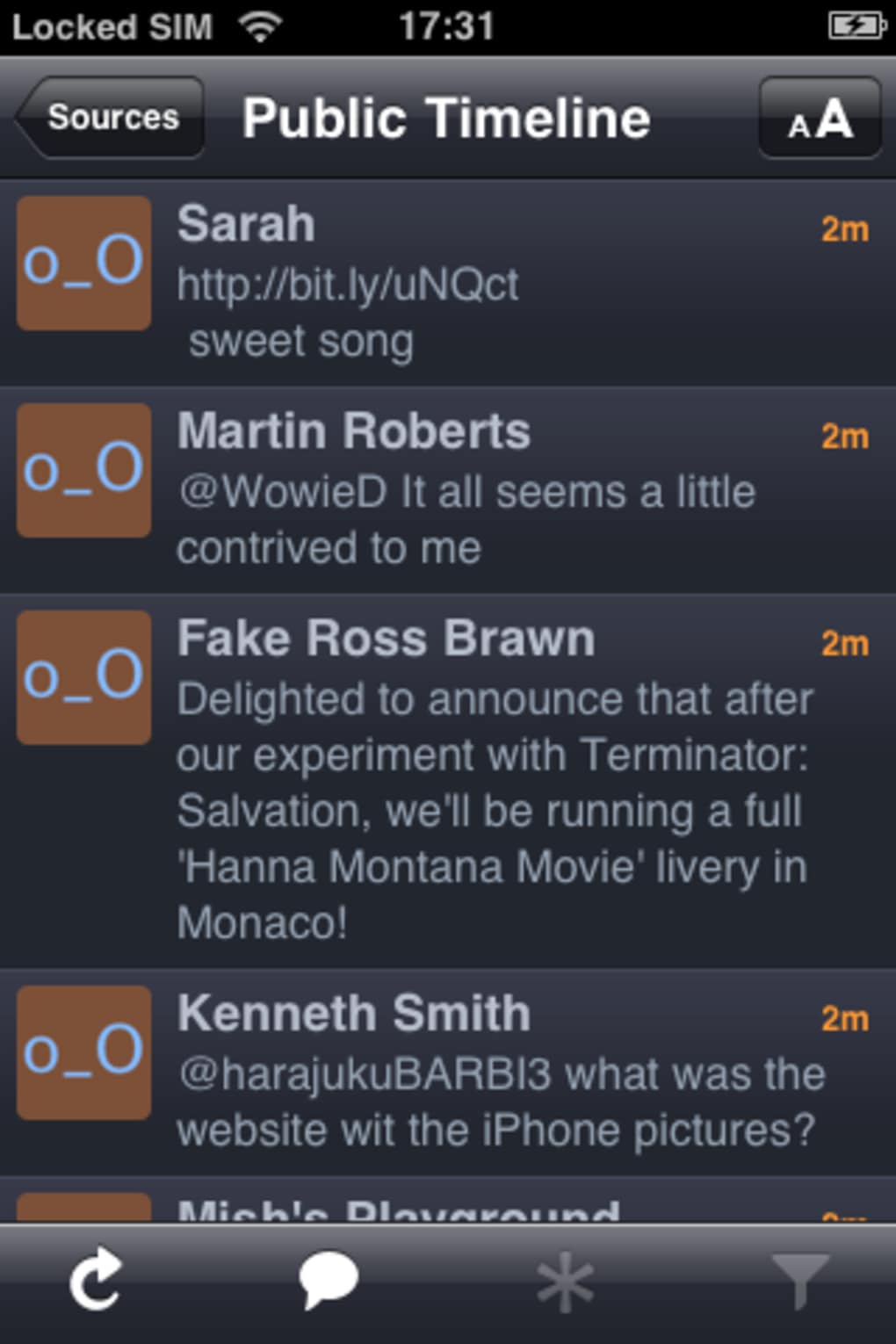
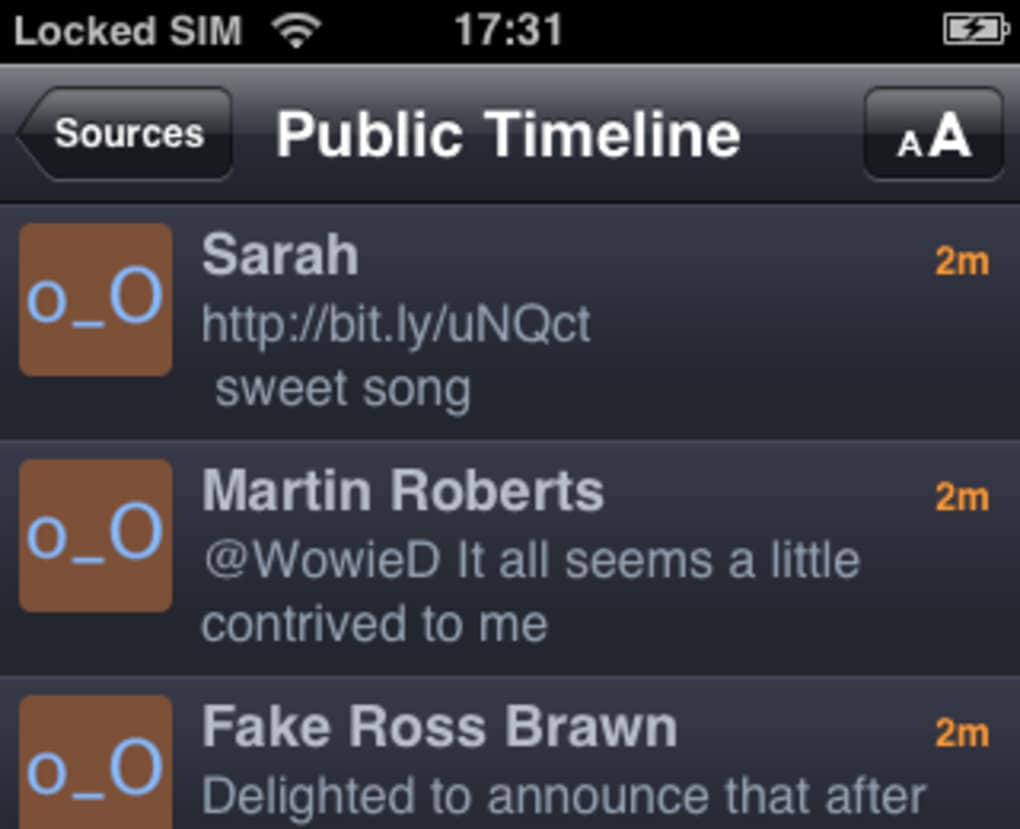
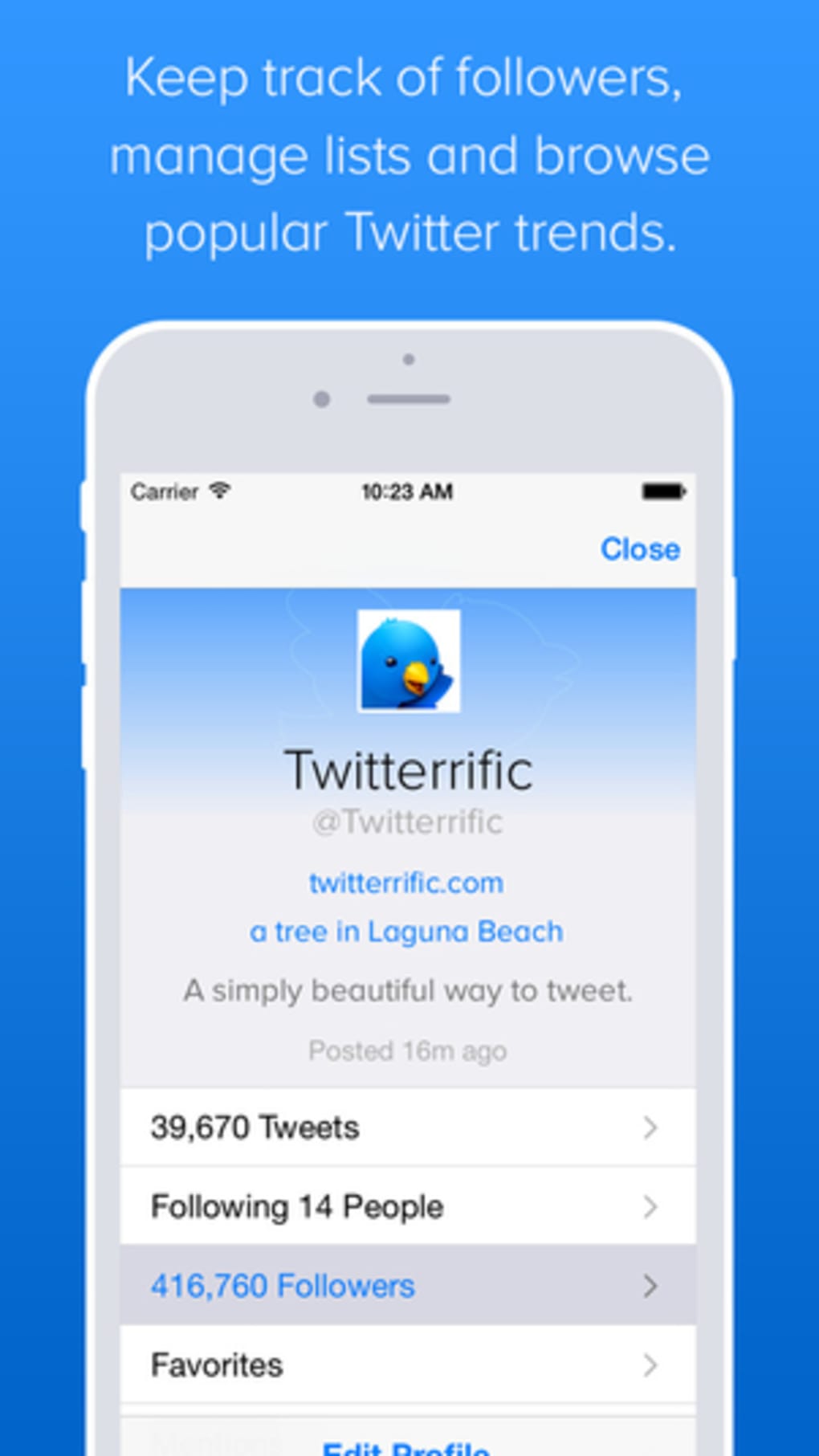
Twitterrific features a clean, intuitive interface designed for efficient navigation on iPhone devices. The layout prioritizes readability and quick access to core functions, with essential actions such as posting, refreshing, and searching placed within easy reach. The visual style emphasizes minimalism, using consistent spacing, legible typography, and a balanced color scheme to reduce cognitive load. Navigation is streamlined through a bottom tab bar that provides immediate access to the main sections: Home, Notifications, Messages, and Search. Users can transition between accounts and content types with minimal taps, contributing to a smooth and responsive experience. Although the developer did not list formal performance metrics, the app is described as “much quicker” in the latest version, suggesting improvements in load times and responsiveness. The interface remains stable across different screen sizes and orientations, maintaining clarity and functionality. The app’s performance is likely optimized for iOS devices, though specific device compatibility details were not disclosed. Auto-refresh functionality operates without noticeable lag, and media uploads are processed efficiently. The integration of link previews and location tagging occurs seamlessly, enhancing usability without compromising speed. Overall, the user experience reflects a high degree of polish and attention to detail, making it a reliable choice for daily Twitter use.
Platform Compatibility & Technical Requirements
Twitterrific is available exclusively on iOS, designed for iPhone users seeking a dedicated Twitter client. The current version is 5.4.2, with a file size of 32.5 MB, indicating a lightweight footprint suitable for devices with limited storage. The app is free to download and install, though it includes advertisements to support its development and maintenance. While the developer did not specify minimum OS requirements or compatibility with older iPhone models, the app’s performance improvements and API updates suggest it is optimized for recent iOS versions. Users should expect smooth operation on supported devices, though exact compatibility details were not provided. The app does not require additional permissions beyond those standard for social media clients, such as access to the camera, location, and internet. For users concerned about battery usage, the app disables the auto-sleep timer when not running on battery, a feature that contributes to longer device uptime. The release date of March 15, 2024, indicates that the app is actively maintained, with recent updates addressing API changes and timestamp accuracy. This ongoing development supports its relevance in a rapidly evolving social media landscape.
Pros and Cons
- Free to download and use with no subscription required
- Supports multiple Twitter accounts in one interface
- Lightweight size (32.5 MB) with fast performance
- Customizable font sizes and appearance settings
- Integrated photo and location sharing from iPhone
- Non-intrusive advertisements in the free version
- Regular updates with bug fixes and API compatibility improvements
- Ad-supported model may be a drawback for users seeking a completely ad-free experience
- Specific OS or device compatibility details were not listed
- Advanced features may be limited compared to premium alternatives
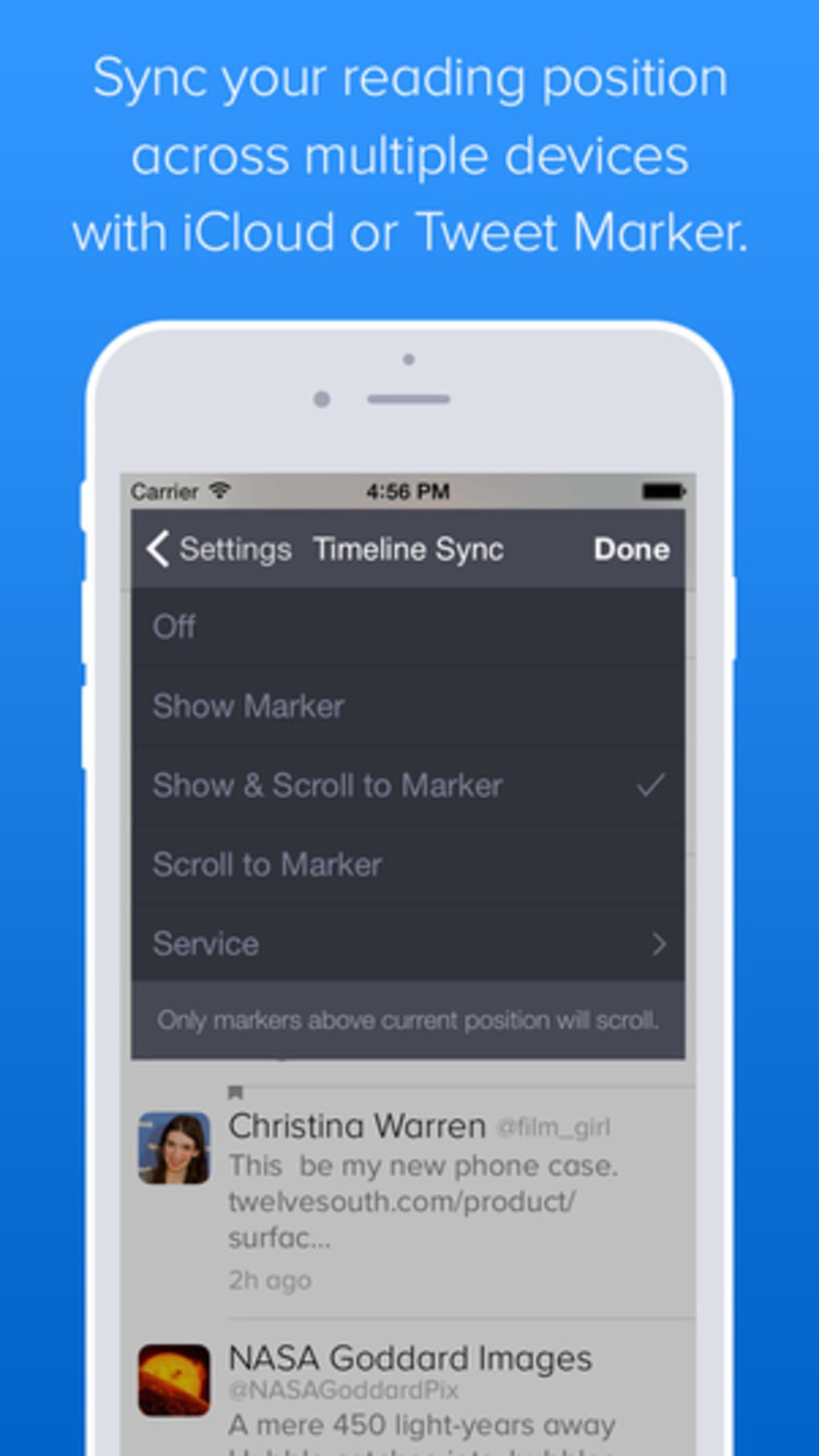
- No mention of cloud sync or cross-device support
- Functionality may be restricted in the free version compared to paid tiers (if any)
FAQ
Is Twitterrific available for Android?
As of the provided information, Twitterrific is only available on iOS. The developer has not indicated plans for an Android release.
Can I use Twitterrific without an internet connection?
The app requires an active internet connection to access Twitter content, post tweets, or refresh feeds. Offline functionality is not supported.
Does Twitterrific support third-party login methods?
The app uses standard Twitter authentication. Specific details about third-party login options were not disclosed.
How often are updates released?
Updates are released periodically, with the latest version (5.4.2) released on March 15, 2024. The app receives regular patches for API compatibility and performance.
Is my data secure when using Twitterrific?
While the developer did not provide a detailed privacy policy, the app follows standard OAuth authentication protocols. Users are advised to review Twitter’s official security guidelines for best practices.
Final Thoughts
Twitterrific stands out as a refined and efficient Twitter client for iPhone users who value speed, simplicity, and a clean interface. Its ability to support multiple accounts, integrate media and location sharing, and deliver real-time content with minimal friction makes it a strong contender in the mobile social media space. The app strikes a balance between functionality and performance, offering a lightweight alternative to the official Twitter app without sacrificing essential features. While the ad-supported model may not appeal to everyone, the advertisements are described as non-intrusive and do not disrupt the core experience. The recent updates addressing API changes and timestamp accuracy demonstrate the developer’s commitment to maintaining reliability. For individuals who use Twitter daily—whether for news, networking, or content sharing—Twitterrific offers a polished, user-centric experience. Its focus on usability and performance positions it as a top-tier choice among free Twitter apps on iOS. Download Twitterrific now.
Guides & Tutorials for Twitterrific Tweet Your Way
How to install Twitterrific Tweet Your Way
- Click the Preview / Download button above.
- Once redirected, accept the terms and click Install.
- Wait for the Twitterrific Tweet Your Way download to finish on your device.
How to use Twitterrific Tweet Your Way
This software is primarily used for its core features described above. Open the app after installation to explore its capabilities.
User Reviews for Twitterrific Tweet Your Way 0
No reviews found





